App
Use the QuiverAI App to create visuals, review and share completed work, and manage your App account and billing.
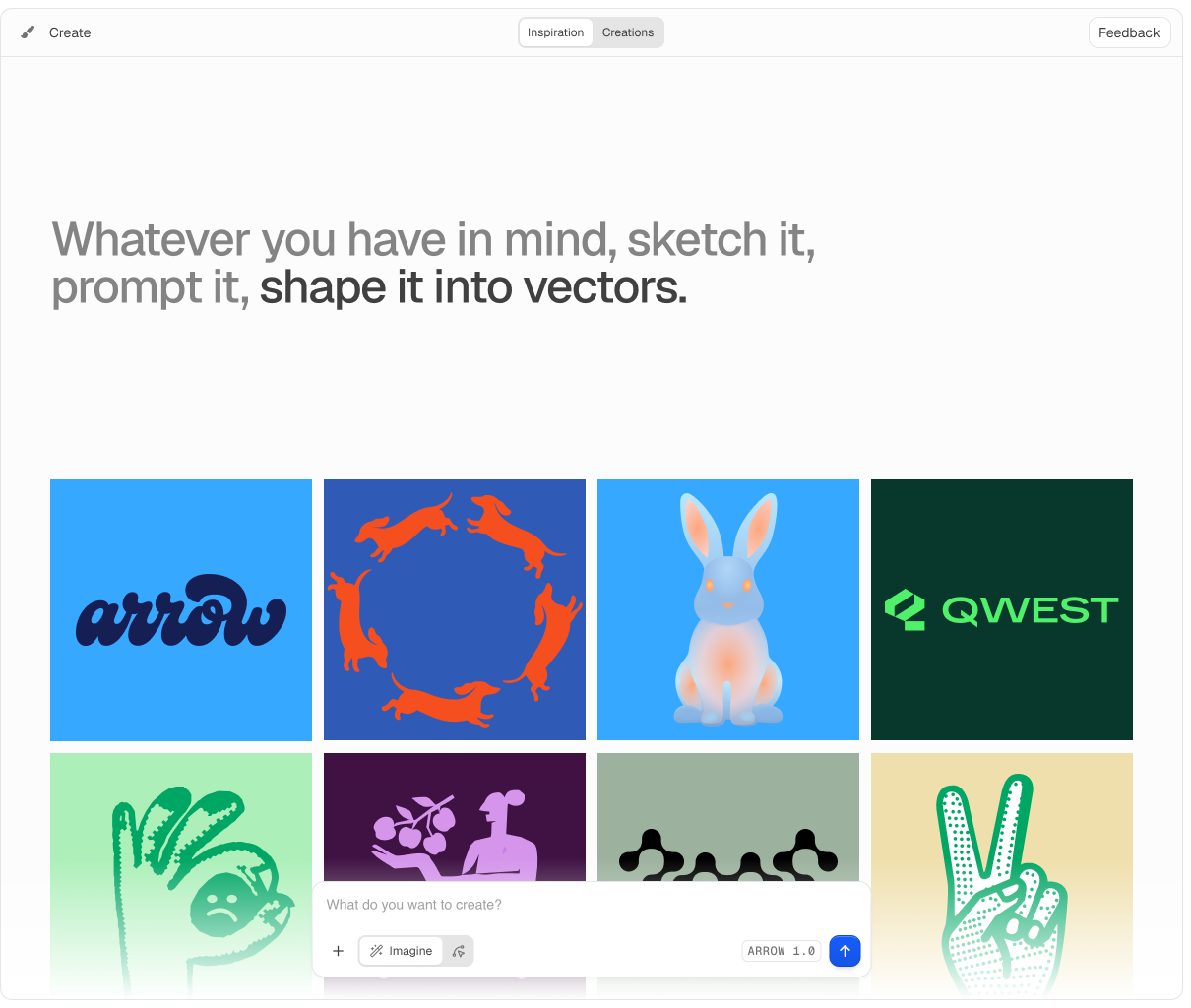
The QuiverAI App at app.quiver.ai is where you create visuals, review and share completed work in Gallery, and manage your App account and billing.
Playground
Use Create with Arrow 2 to generate editable SVGs, upload raster images for vectorization, edit existing artwork, and animate SVGs.
Open Playground
Generate and vectorize SVGs interactively, then review completed work in Gallery.
New to Arrow? The Arrow 2 Prompt Guide shows how to prompt vector artwork, use references, vectorize an image, and add focused motion.
MCP server
Connect QuiverAI to AI agents and MCP-compatible clients from the hosted MCP server. Agents can create SVGs, vectorize images, inspect your Gallery, and fetch completed artwork after you authorize access with your QuiverAI account.
Gallery, sharing, and export
- Review completed creations in Gallery and reopen them from recent work.
- Share completed creations with a public link from the creation viewer.
- Export one or more creations as SVG, PNG, JPEG, or WebP. MP4 export is also available when the browser supports it.
- Delete a single creation or remove all outputs from a finished multi-output generation.
- Available export formats depend on your plan.
- Use Pricing to compare plan limits and export options.
Account and billing
Use App Billing to manage your plan, buy App credits, review weekly App credit usage, and configure automatic top-up.
Developer integrations
API projects, credentials, usage, and prepaid API balance belong to the API Platform. Start with the Developers docs when integrating QuiverAI into your own services.