

Documentation Index
Fetch the complete documentation index at: https://docs.quiver.ai/llms.txt
Use this file to discover all available pages before exploring further.
Playground
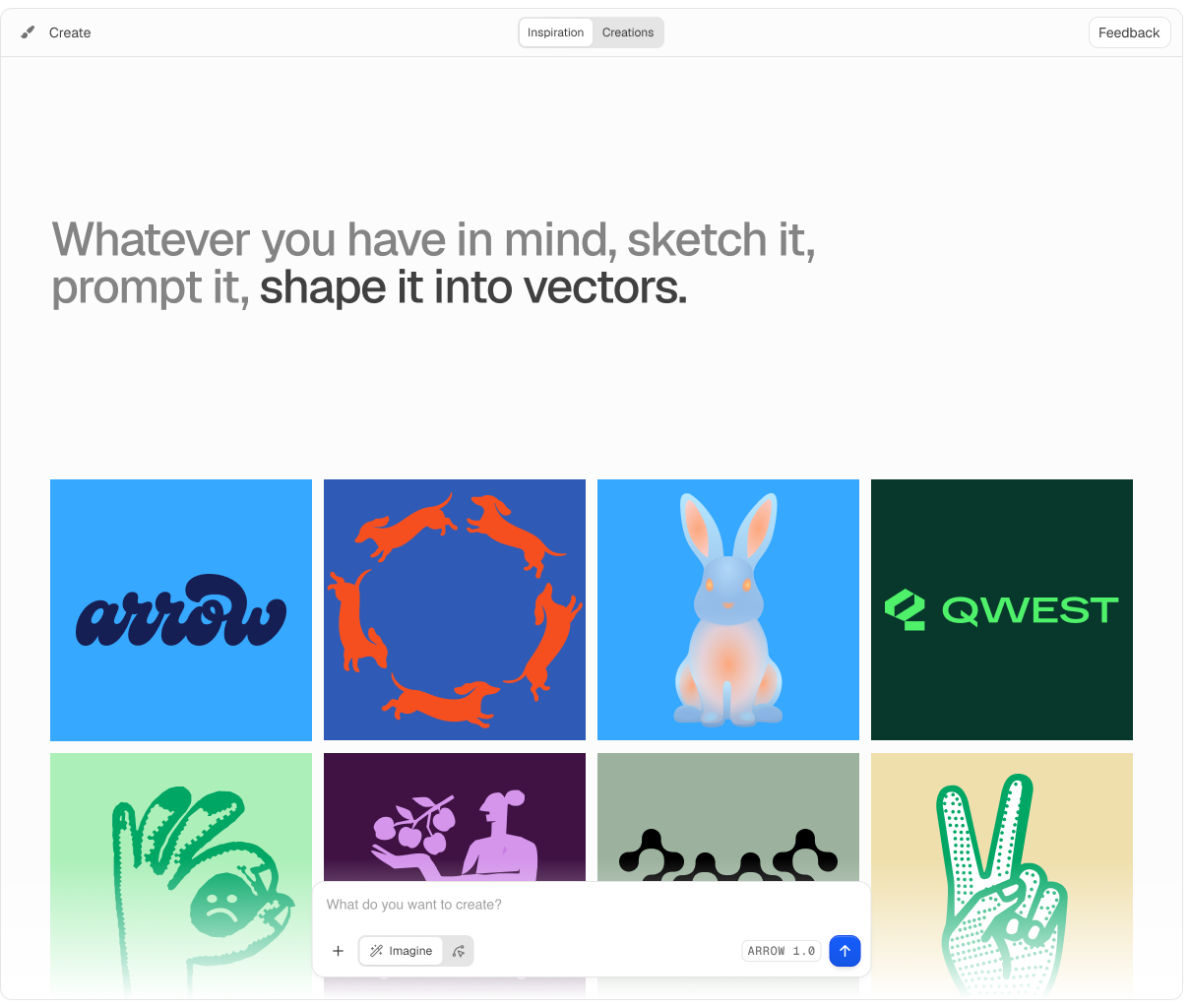
Use Create to try Arrow 1.1 and Arrow 1.1 Max with different prompt settings, upload raster images to test vectorization quality, and compare outputs before sending requests from your own app.Open Playground
Generate and vectorize SVGs interactively, then review completed work in Gallery.
Sharing and export
- Share completed creations with a public link from the creation viewer.
- Export creations as SVG, PNG, JPEG, or WebP. MP4 export is also available when the browser supports it.
- Available export formats depend on your plan.
- Use Pricing to compare plan limits and export options.
Developer settings
Manage your API access and account from the app:- API Keys: create and revoke keys for
api.quiver.ai. The table also shows each key’s current status and when it was last used. - Billing: manage your plan, buy credits, and configure automatic top-up.
- Usage: review billed operations; app requests show artwork IDs and API requests show request IDs.