API Platform
Manage organizations, projects, API keys, billing, capacity, operational data, and data policy for a QuiverAI API integration.
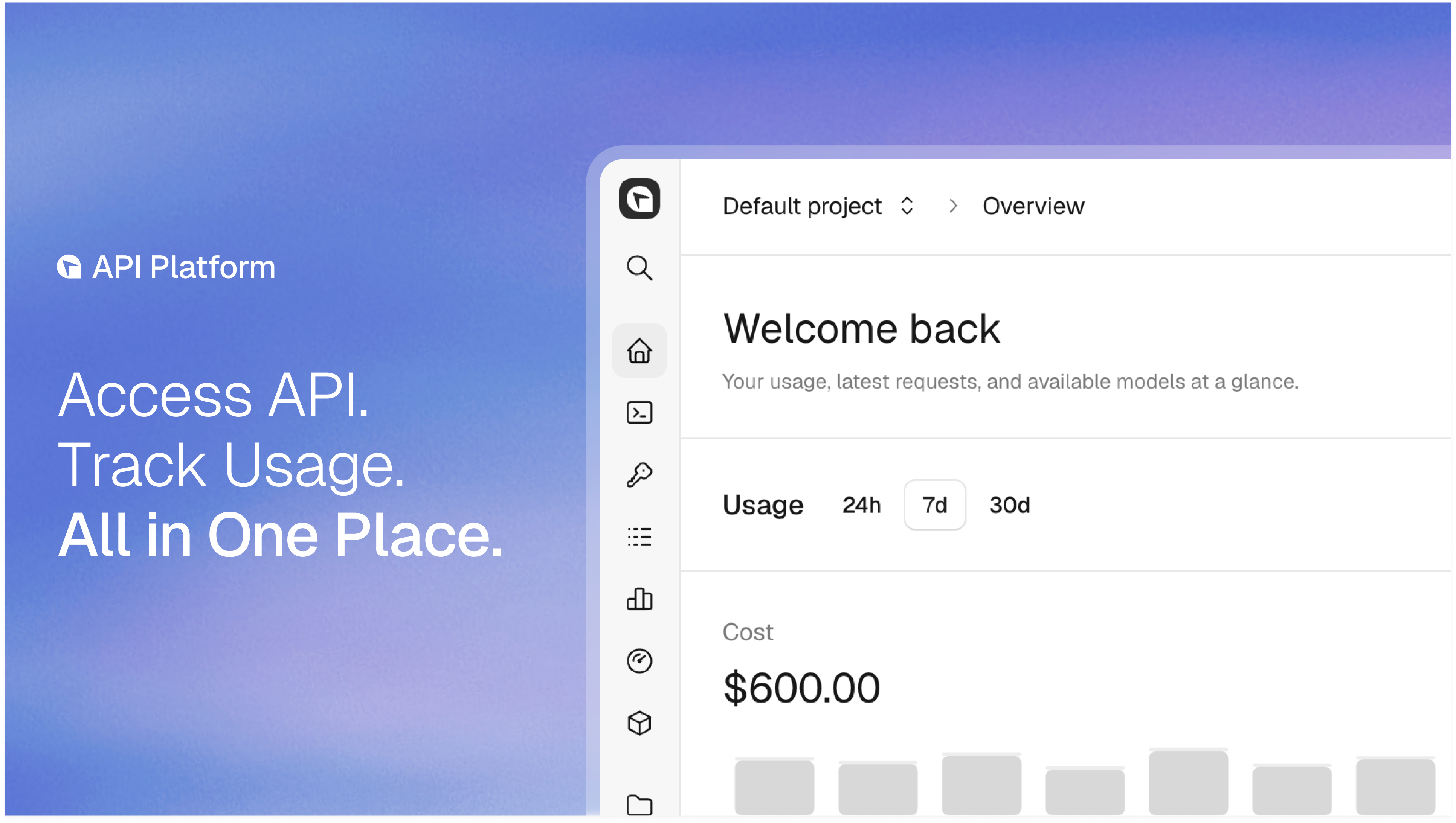
Use the API Platform to administer the organization behind your QuiverAI API integration. The API guides explain how to call api.quiver.ai; this section explains organizations and projects, API keys, billing and limits, usage and logs, audit history, and data controls.
Organizations and projects
Understand roles, project-scoped access, integration boundaries, and lifecycle.
SSO and Directory Sync
Set up single sign-on for your organization and see what Directory Sync will add.
API keys
Create project-bound Production or Test credentials with explicit authority.
Billing and limits
Fund API usage, configure spend alerts, and understand request capacity.
Usage and logs
Analyze aggregate consumption and investigate individual API requests.
Audit
Review customer-visible administrative changes and API key lifecycle events.
Data controls
Review effective data-handling policy and retention by scope.
Start with the Quickstart. For endpoint paths and schemas, use the API Reference.